> ## Documentation Index
> Fetch the complete documentation index at: https://docs.daydreamvideo.com/llms.txt
> Use this file to discover all available pages before exploring further.
# Welcome to Daydream
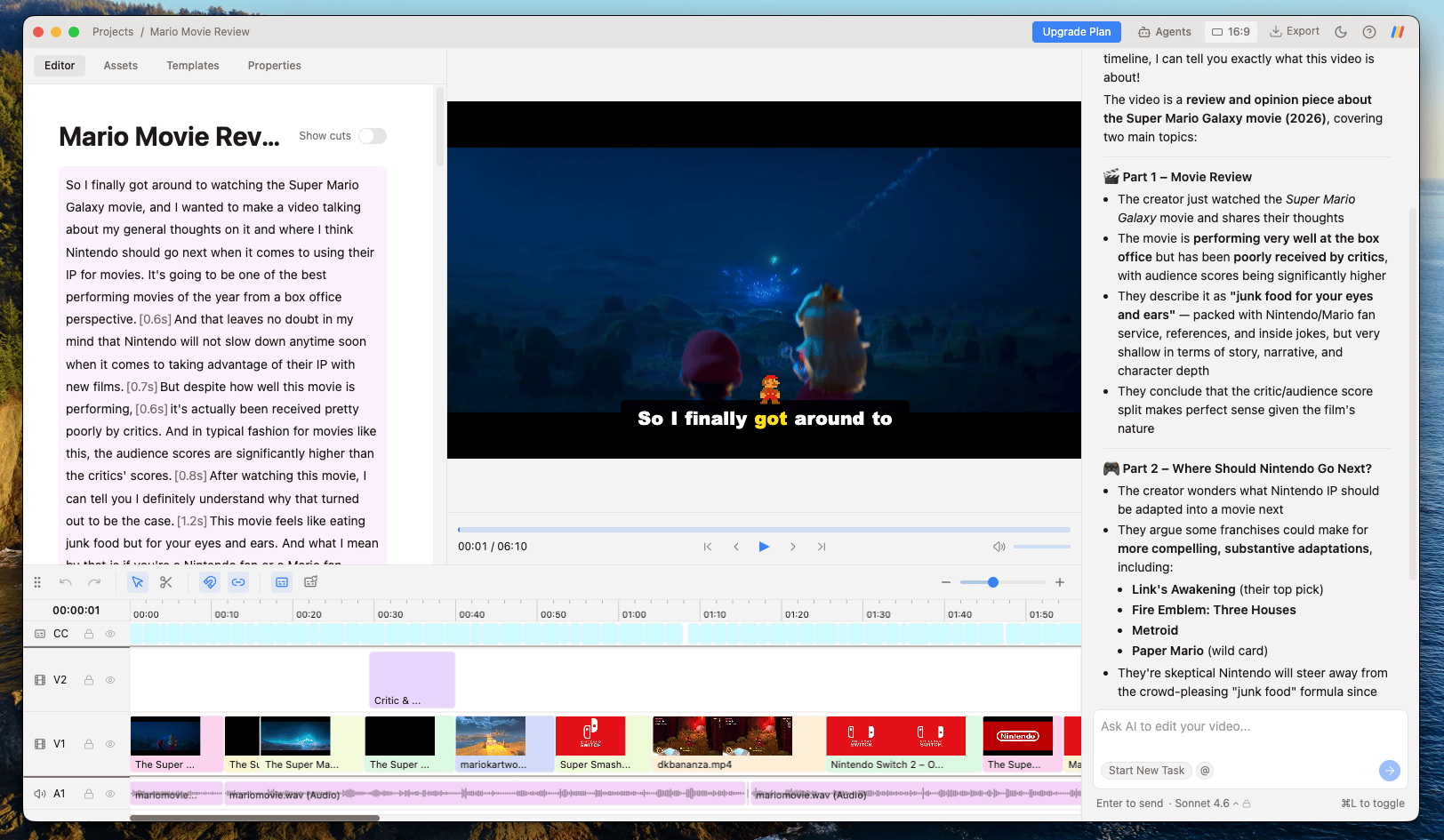
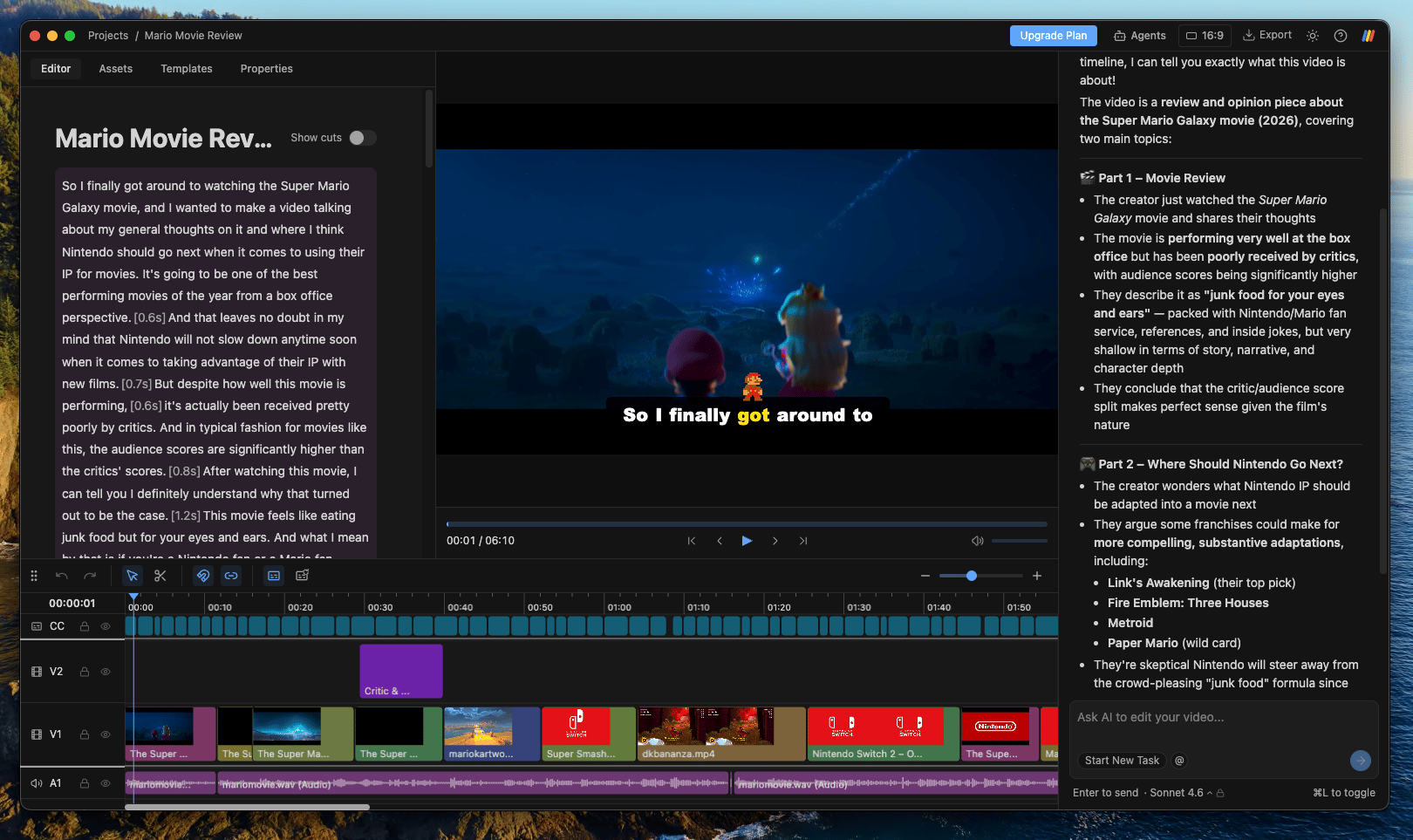
> Daydream is a powerful desktop application that lets you edit videos using AI agents like Claude Code and Codex in an easy-to-use interface.
Edit your video by describing what you want, and an agent like Claude Code or Codex makes it happen: cut bad takes, add b-roll, or generate captions and motion graphics. Collaborate with the AI to edit videos faster using Daydream's familiar timeline interface. All of your footage stays local on your device and is never uploaded or stored in the cloud.
 ## What you can do
* Remove bad takes, silences, and filler words by editing your transcript
* Add b-roll to your video just by describing it
* Create custom captions from your transcript
* Create motion graphics from a prompt or a template
* Export to MP4, or to Final Cut, DaVinci Resolve, and Premiere
## Make your first video
The best way to learn Daydream is to use it. Check out [Getting Started](/getting-started) to begin editing.
## What you can do
* Remove bad takes, silences, and filler words by editing your transcript
* Add b-roll to your video just by describing it
* Create custom captions from your transcript
* Create motion graphics from a prompt or a template
* Export to MP4, or to Final Cut, DaVinci Resolve, and Premiere
## Make your first video
The best way to learn Daydream is to use it. Check out [Getting Started](/getting-started) to begin editing.