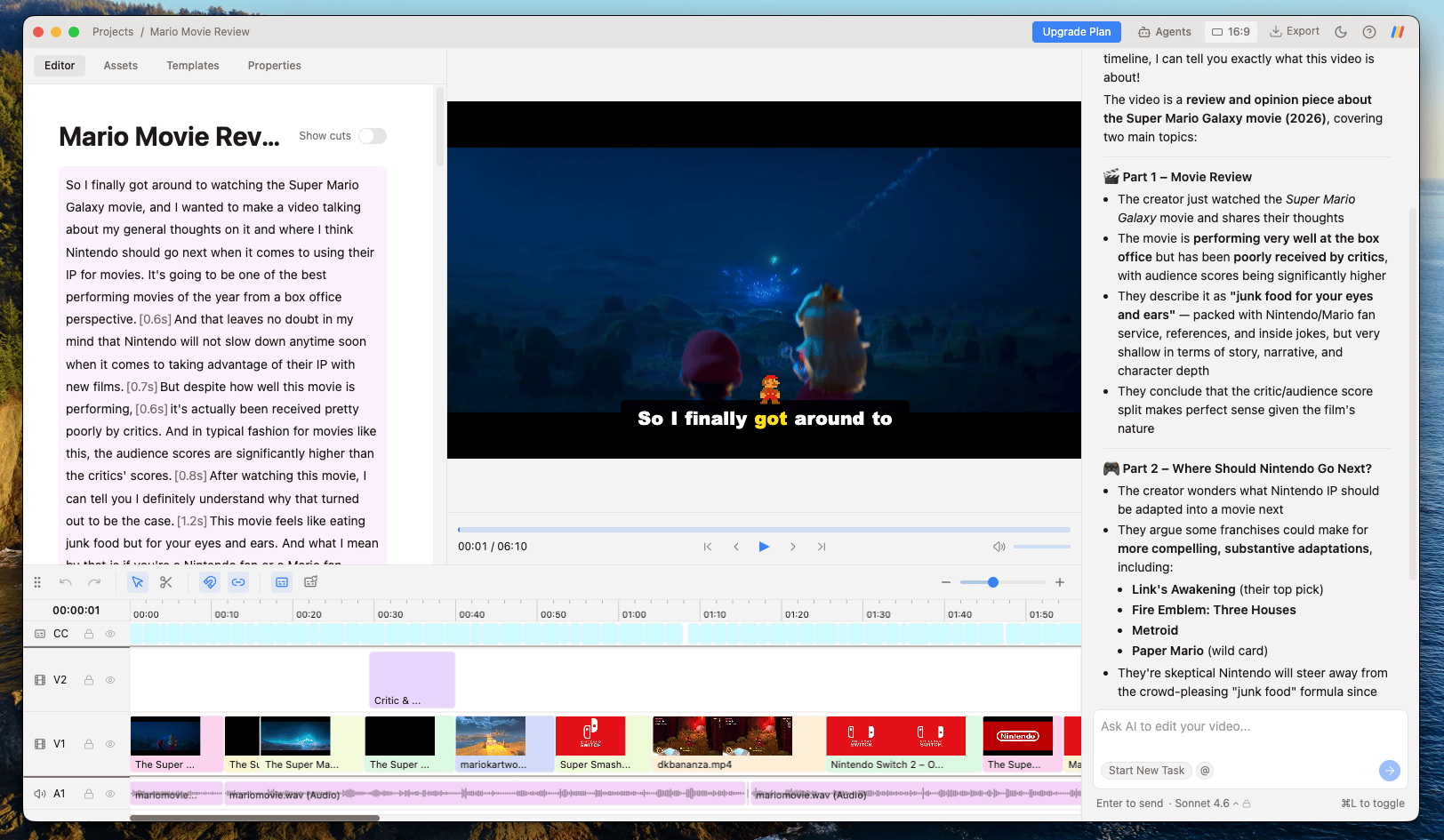
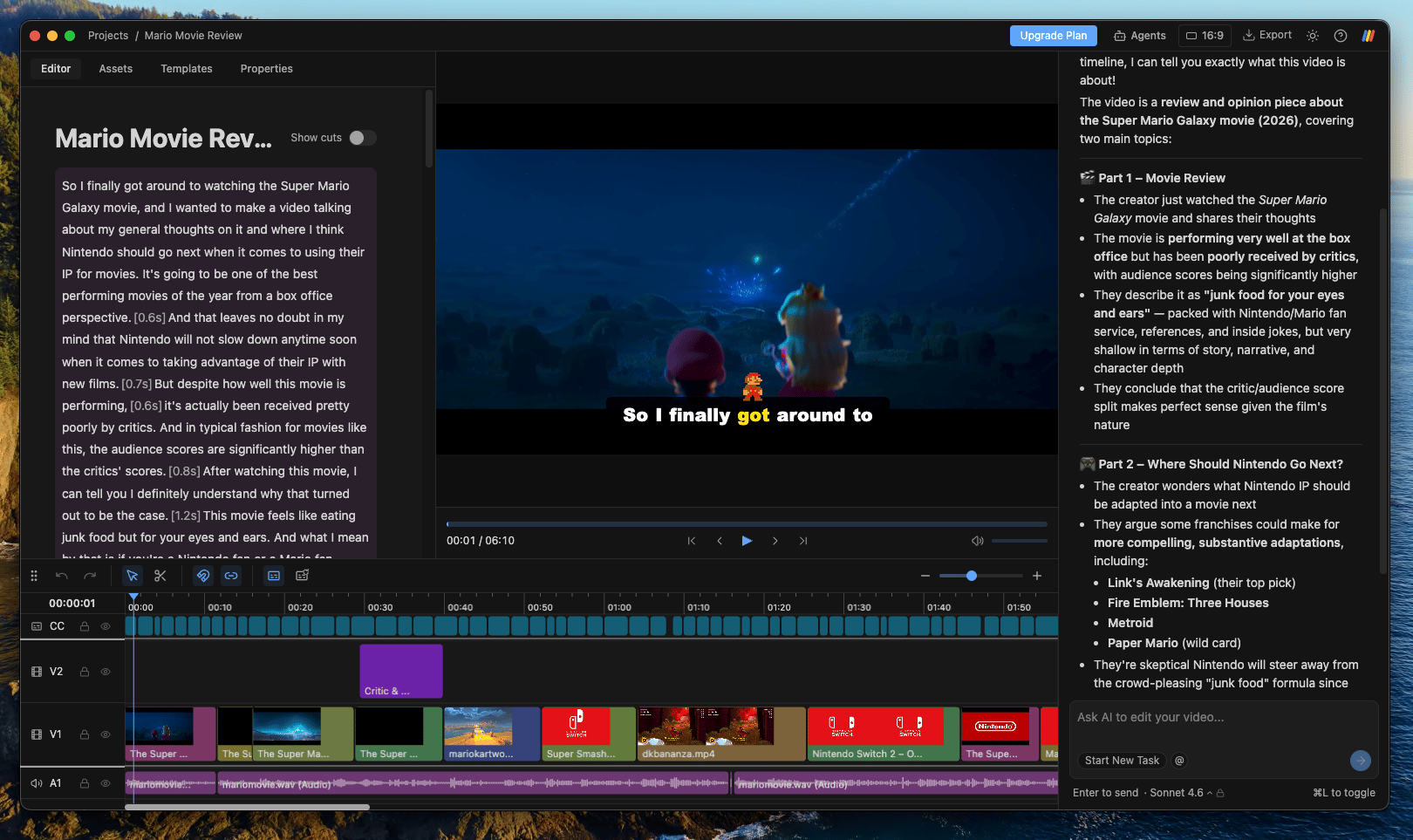
Edit your video by describing what you want, and an agent like Claude Code or Codex makes it happen: cut bad takes, add b-roll, or generate captions and motion graphics. Collaborate with the AI to edit videos faster using Daydream’s familiar timeline interface. All of your footage stays local on your device and is never uploaded or stored in the cloud.
Daydream editor, overview of the workspace

What you can do

  • Remove bad takes, silences, and filler words by editing your transcript
  • Add b-roll to your video just by describing it
  • Create custom captions from your transcript
  • Create motion graphics from a prompt or a template
  • Export to MP4, or to Final Cut, DaVinci Resolve, and Premiere

Make your first video

The best way to learn Daydream is to use it. Check out Getting Started to begin editing.