
How the MCP connection works
When the MCP integration is enabled, Daydream registers its server automatically each time the app starts, so in most cases there’s nothing to set up. A few things to know:- The Daydream MCP server runs locally at
http://127.0.0.1:7433/mcp. - Daydream must be running for an external agent to connect.
- You can toggle auto-registration on or off per agent in Agent Settings → MCP Integrations in Terminal.
What you can do over MCP
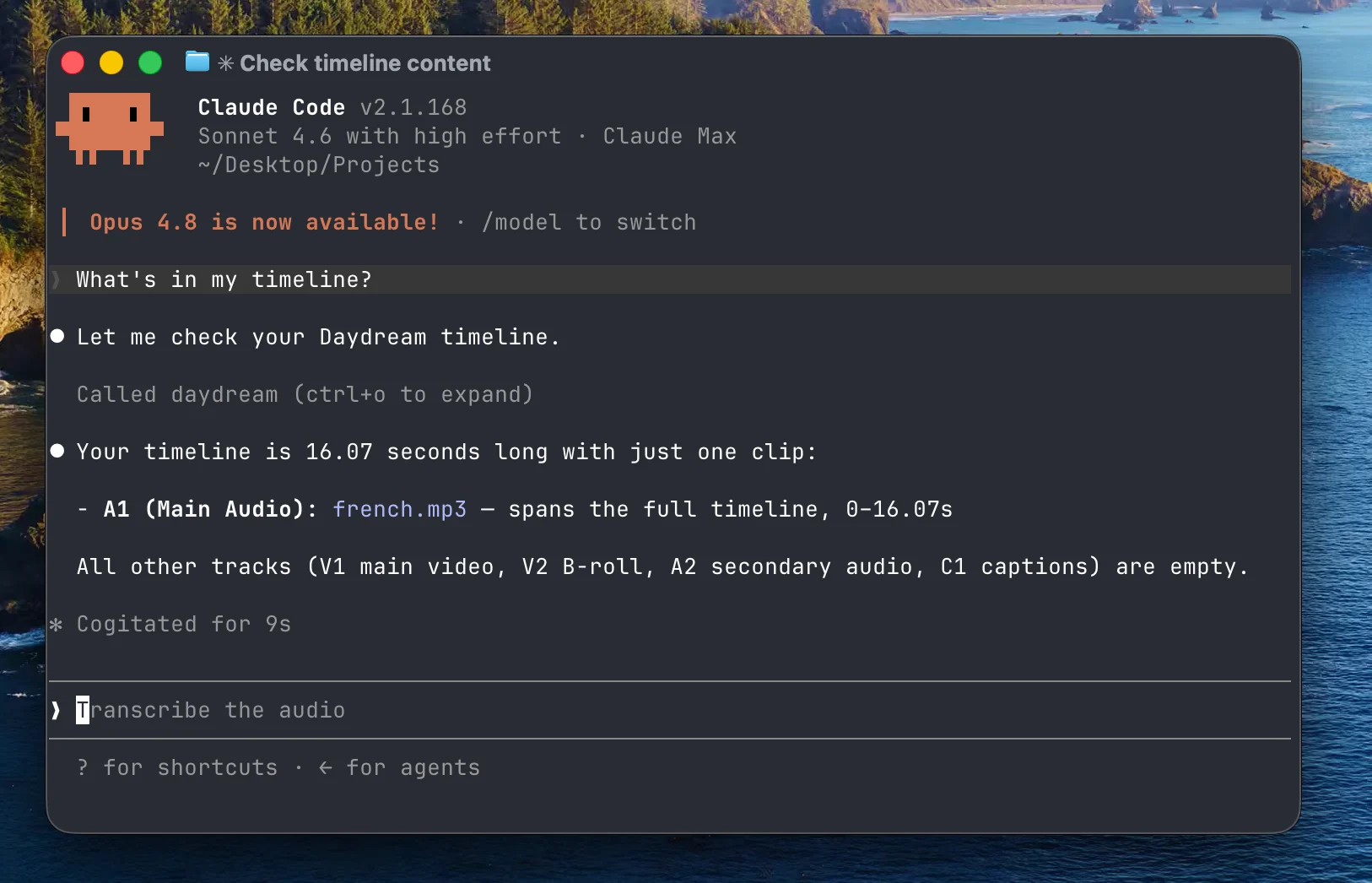
Once connected, the agent controls Daydream the same way it does inside the chat. From your terminal, you can ask it to:- Import footage and transcribe it
- Cut your voiceover by editing the transcript
- Search your b-roll and place clips on the timeline
- Generate captions and motion graphics
- Export your timeline to MP4 or XML
Register the MCP server manually
If you’d rather register the server yourself, run the matching command in your terminal while Daydream is running:- Claude Code
- Codex
daydream. To remove it later:
- Claude Code
- Codex
Connect other MCP clients
Any MCP client that supports an HTTP transport can connect to the same address,http://127.0.0.1:7433/mcp. Point your client at that URL while Daydream is running.
If your agent can’t connect
Work through these checks:- Make sure Daydream is open. The MCP server only runs while the app is running.
- Confirm the integration is enabled in Agent Settings → MCP Integrations in Terminal.
- Check the address your client is using. It should be
http://127.0.0.1:7433/mcp. - Re-run the registration if you set it up manually. Run the
mcp addcommand above again while Daydream is running.