Create a graphic with Claude Code or Codex
Ask Claude Code or Codex to create a graphic by describing what you want. The agent designs it and places it on your timeline. For example:- “Create a title card that says ‘Chapter One’.”
- “Make a lower-third with my name and role.”
- “Create an overlay of these two images sliding in from the bottom of the frame.”
- “Fade in this logo in the bottom-left corner.”

Start from a template
Open the Templates tab to browse Daydream’s handcrafted templates. Add one to your timeline, then customize it by asking the agent or editing it yourself.Edit a graphic yourself
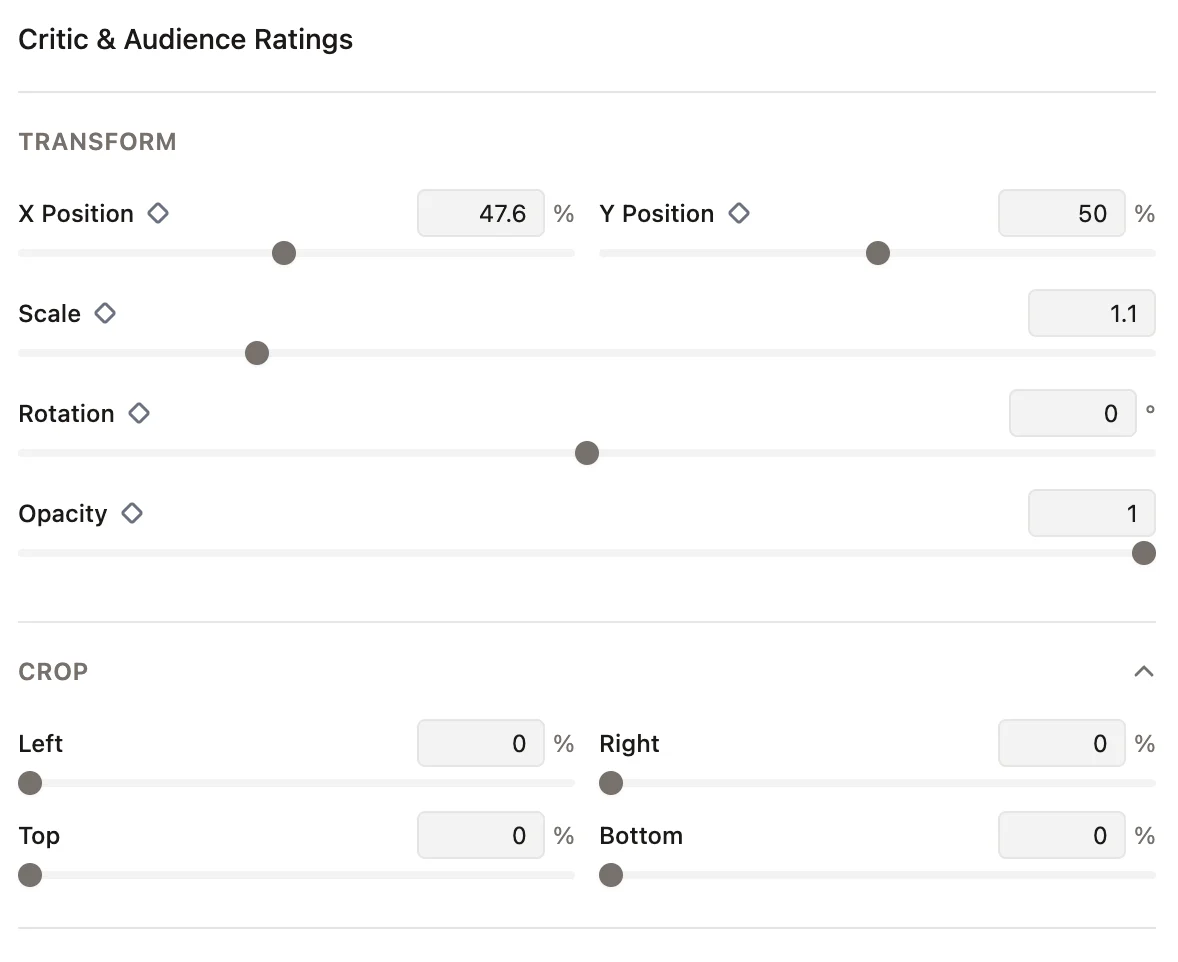
Select a graphic in the timeline and open the Properties tab. You can edit the basics like text, font, and colors, and adjust its position, scale, rotation, opacity, and crop.